
Discovery Call

Book a call to discover more about Sherpo's functionalities!

Cover item 1

Sherpo

No-code platform to distribute any digital product.


Book a free 30 minutes call if you want to learn more about Sherpo!

#no-code

#digital products

#courses

#downloads

#calendar

#coffees

#ai

#free

#creators


Here’s how the “What you get” section appears. You can use it to explain your service in more detail: what you offer, how it works, and what customers can expect.

In our case, we’ll schedule a single 30-minute call to walk you through Sherpo, answer your questions, and help you get the most out of the platform!

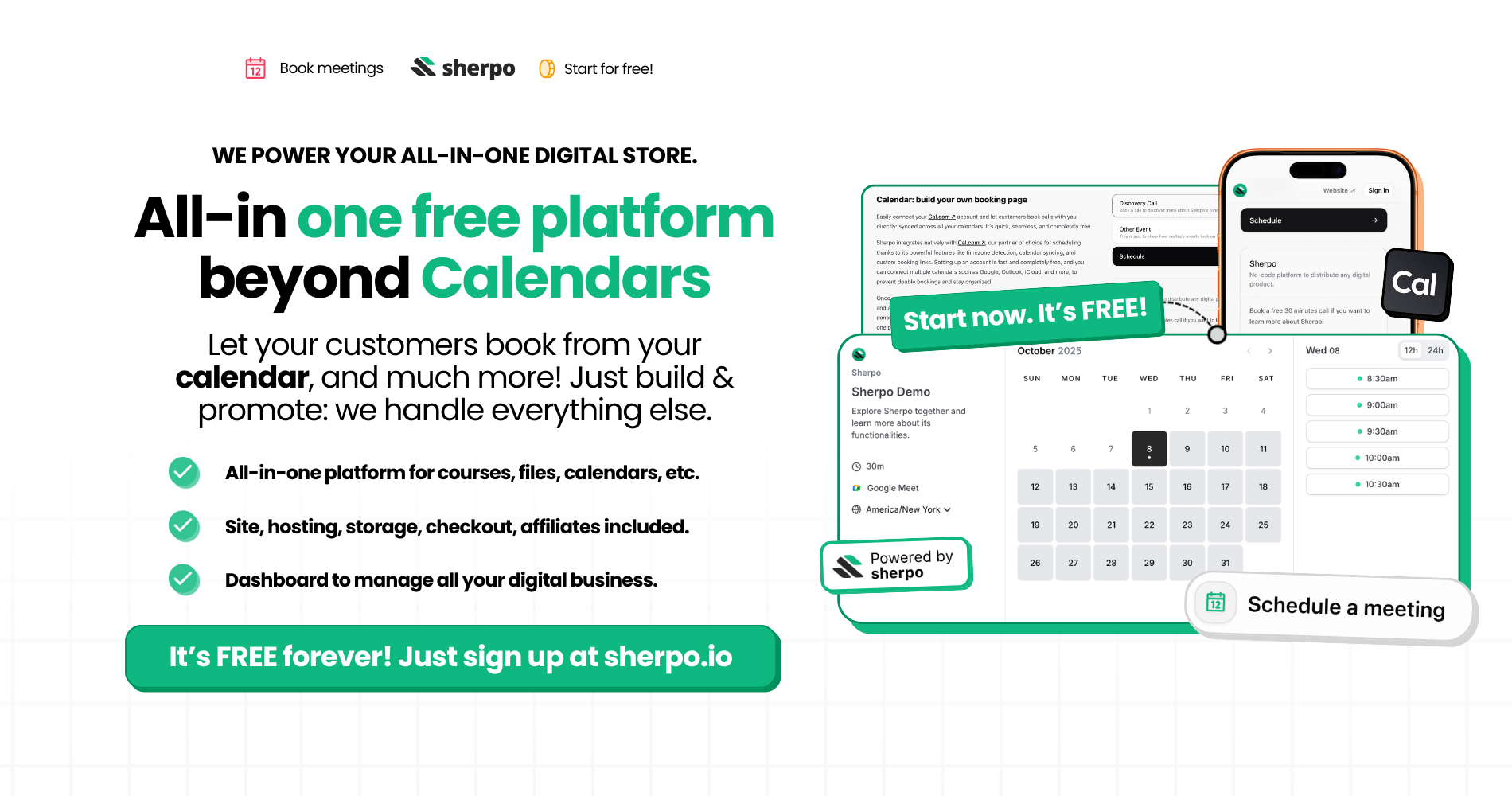
Calendar: build your own booking page

Easily connect your Cal.com account and let customers book calls with you directly: synced across all your calendars. It’s quick, seamless, and completely free.

Sherpo integrates natively with Cal.com, our partner of choice for scheduling thanks to its powerful features like timezone detection, calendar syncing, and custom booking links. Setting up an account is fast and completely free, and you can connect multiple calendars such as Google, Outlook, iCloud, and more, to prevent double bookings and stay organized.

Once connected, you can fully customize your booking page with your own branding and availability, then showcase it beautifully on Sherpo. Whether you’re a coach, consultant, or creator, your time is now easier than ever to manage, and share, all in one place.

FAQ

Why do I need a Cal.com account? Is it free?

We integrate with Cal.com because of their incredible scheduling features: from timezone detection to calendar syncing and custom booking links. Don’t worry: creating and setting up a Cal.com account is completely free.

Do I need a paid Sherpo plan to create a Calendar product?

Nope! Calendar is available for all Sherpo users, even on the free plan.

Do you support other scheduling platforms?

Currently, Sherpo integrates only with Cal.com.

Can I connect multiple calendars?

Yes! Cal.com supports connecting multiple calendars (Google, Outlook, iCloud, etc.) to prevent double-bookings and keep everything in sync.

Can I add more than one event type on a single page?

Absolutely! Every “Calendar” product you create will appear together on one page (like this one!), each with its own unique schedule and booking link.